

Search
Custodio Legal
Video tutorials in Spanish
These walkthroughs show the complete flow in the Spanish interface.
Find a matter by its number, filing number, title or description, or the words you’re after inside any document Custodio has already read, across your practice. The client’s name may appear as result context, but is not an independent search-index criterion.
Before you start
- To find content inside a document, that document has to already be read by Custodio — added as a source with its text extracted.
Step by step
-
Type what you’re looking for in the box at the top of any screen, or go to Search from the menu.
-
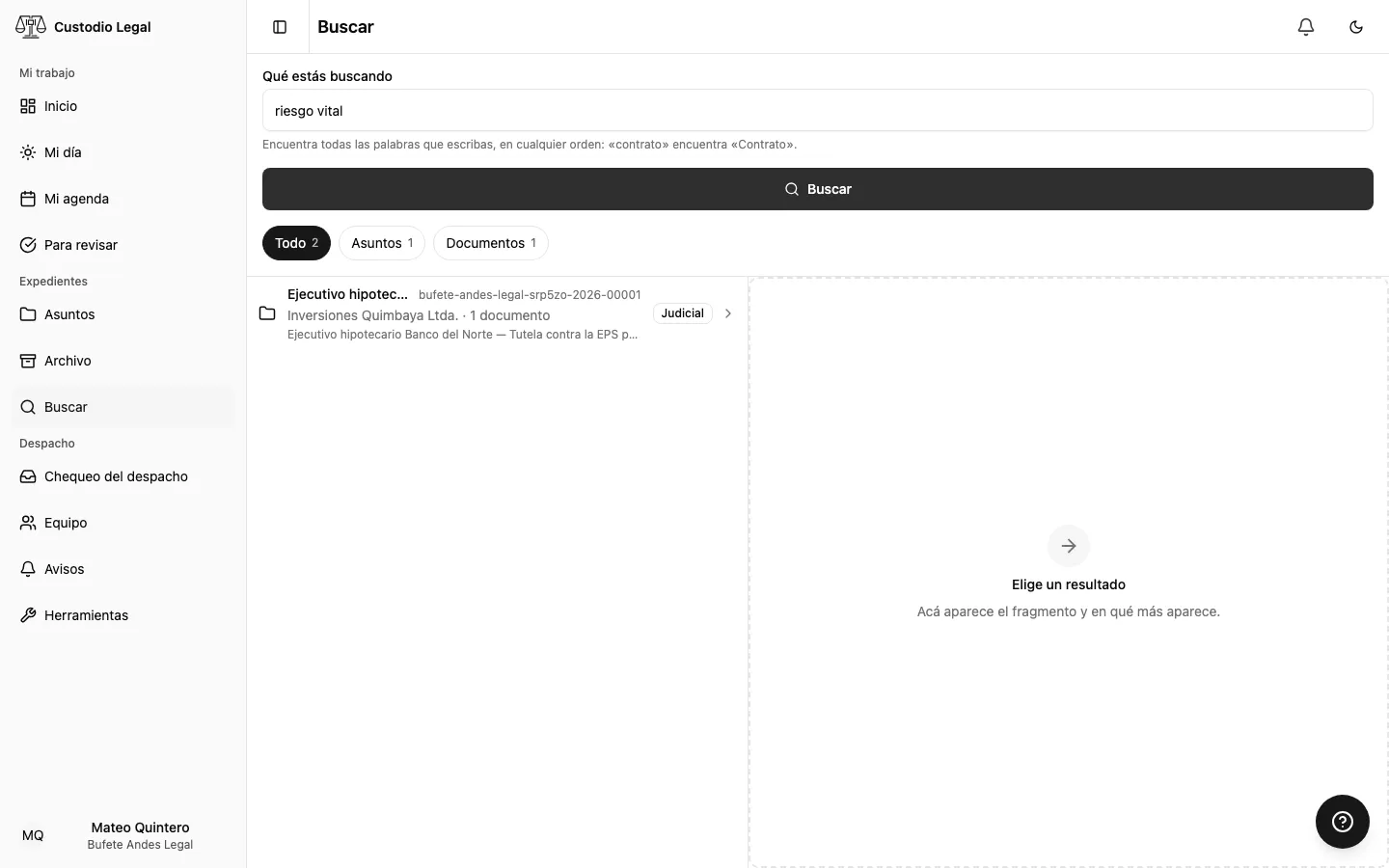
Press Enter or the Search button to see the full results.
-
Filter by Matters or Documents if you want to narrow where you look.
-
Type the words the result must contain: what has them all shows up, in any order, regardless of case or accents. There is no exact-phrase search and no way to exclude a word: quotes and dashes are ignored.
-
Pick a result to see the exact snippet where what you searched for appears.
-
Check the associated matter and the document line. Use Open the matter to reach the file, or Documents and facts when available. The query stays in the page address, so Back returns to the search.
How you know it worked
Every result highlights what you searched for, and a document result tells you which line it’s on.
If something goes wrong
| What you see | What happened | What to do |
|---|---|---|
| “A bit longer” | You typed fewer than 2 characters | Type at least 2 characters |
| “Nothing matched” | No matter or read document has all the words | Try fewer words or check your spelling |